
Test the signal path first
A blank, flickering or unresponsive Audi MMI screen does not automatically need replacement. Sound and controls may continue while the display, backlight or signal path fails. Rebooting, frozen menus or no communication can instead come from power, software, the head unit or the vehicle network. We identify the exact MMI or MIB system and test what still works before recommending parts. If the failed display is the driver instrument panel rather than the centre infotainment screen, use Audi instrument-cluster repair.
Identify the system, record the symptom, then test the display, controls, cable and source unit separately. That is the basis of a useful estimate.
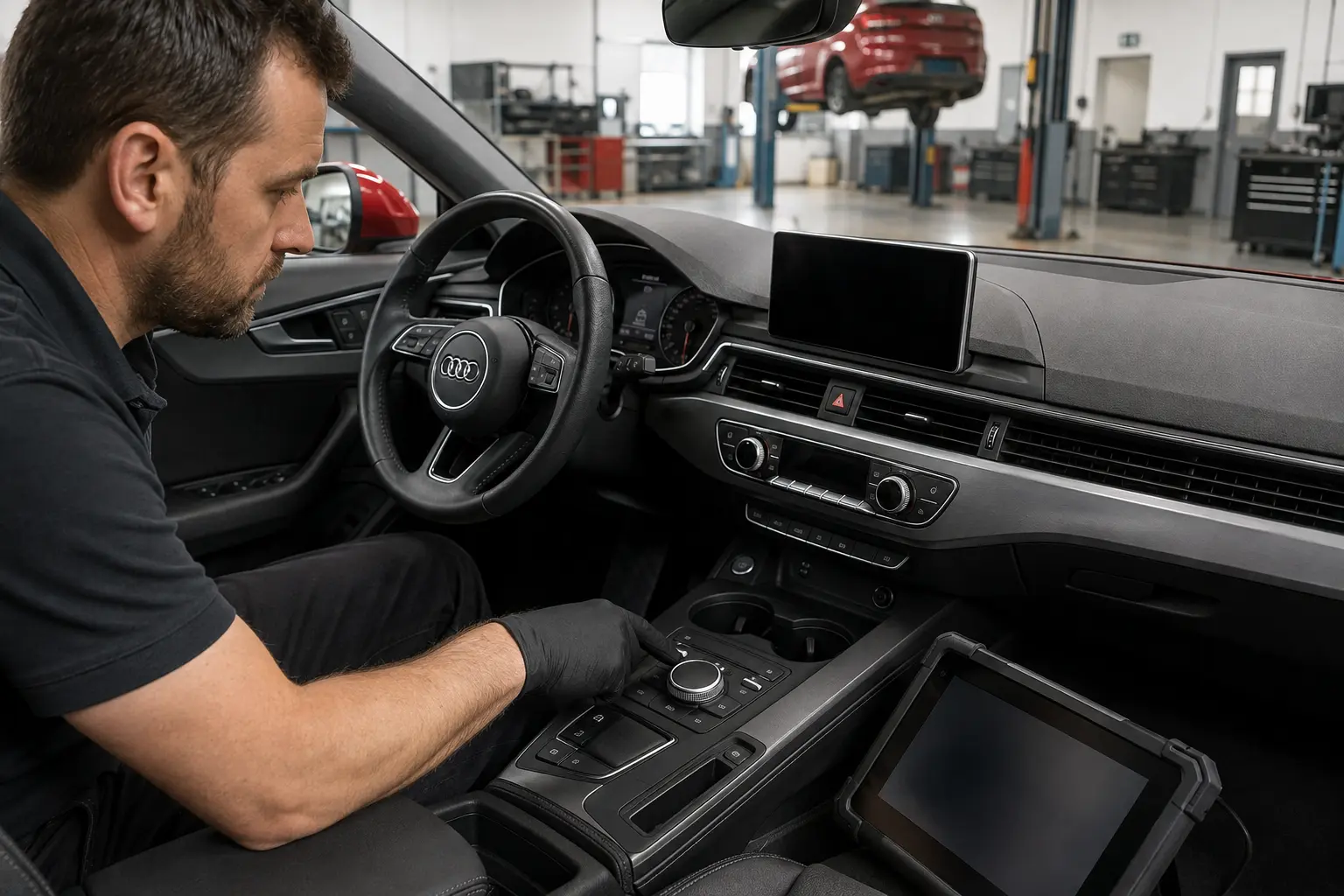
A useful first brief
Tell us what it does
A short start-up video, one clear screen photo and a photo of the centre controls help reproduce the symptom. Hide saved destinations, contacts, device names and any other private information before sending media.
Do not remove trim or disconnect the battery for the photo. A video can show the symptom, but it cannot prove which module has failed.
The first diagnostic split
Screen or wider system
The useful question is not simply whether the screen is black. It is whether the display has power, whether it produces light or an image, whether controls and audio respond, whether the source unit communicates and whether connected functions fail together.
| Possible route | What the owner may notice | What may still work | First useful checks |
|---|---|---|---|
| Display panel or backlight | Black image, dim output, lines, patches, colour shift or flicker. | Audio, controller response or voice guidance can continue. | Display power, illumination, image signal, temperature behaviour and panel construction. |
| Touch layer or digitiser | Picture is clear but touch is dead, inaccurate or generates ghost inputs. | Rotary controls, audio and other functions may remain normal. | Touch response, calibration support, surface damage, contamination and source-unit communication. |
| Retractable mechanism | Screen stays closed, stops part way, clicks or strains. | The image or audio may remain available depending on the fault. | Motor, gear, guide, hinge, position feedback, ribbon and obstruction. |
| MMI controller or touchpad | Visible menus cannot be operated from the console. | The display, steering-wheel controls or audio can work. | Buttons, rotary input, spills, local power, wiring and head-unit response. |
| Power, earth or display cable | Intermittent blanking, failure over bumps or no picture. | Other MMI functions depend on which feed or path is affected. | Correct fuse rating, supply under load, earth, connectors and signal cable integrity. |
| MMI or MIB head unit | Boot loop, frozen start-up, no source functions or loss of several features. | Some local display movement or illumination can remain. | Communication, power, temperature, storage, software state and connected-module faults. |
| Vehicle or fibre network | Several infotainment functions disappear together or communication is intermittent. | Local screen power may still be present. | Exact topology, module power and communication. MOST is checked only where fitted. |
| Navigation or GPS | Wrong location, no satellites or unavailable route data with a healthy menu. | Screen, audio, controls and other MMI functions can work normally. | GPS reception, antenna path, lawful map data, licences and source unit. |
| Camera, parking or audio module | One connected feature is missing from an otherwise working display. | Main menus and unrelated sources remain available. | Feature module, interface, wiring, coding and source selection. |
| Voltage, water or retrofit | Fault began after a flat battery, water entry or non-standard installation. | Operation may be intermittent or change with load. | Battery and charging condition, moisture, previous wiring and configuration record. |
Choose the safe response
How urgent is it
Stop using the system
Arrange prompt assessment for an electrical burning smell, smoke, unusual heat, melted trim, repeated fuse failure, visible water around electronics, serious battery drain or a jammed part that creates a hazard.
Limit use and book
Book diagnosis for repeated rebooting, heat-related failure, a straining retractable mechanism, intermittent operation over bumps, lost driver-support display or a component-protection message after replacement.
Send a clear video
Stable lines, a dim display, unreliable touch or navigation-only loss can normally begin with recorded symptoms and planned diagnosis. A video alone cannot confirm that the vehicle is safe.
Part matching
Identify the exact system
A model badge and screen shape are not enough. Two cars with the same model and year can use different hardware because of production date, market, equipment, trim and previous retrofit work. The visible display does not by itself identify the source unit, network, software level or compatible replacement.
MMI radio, MMI Navigation plus and MMI touch response can describe equipment or an interface, not a dependable generation. We do not invent an MMI 4G category because a car has LTE.
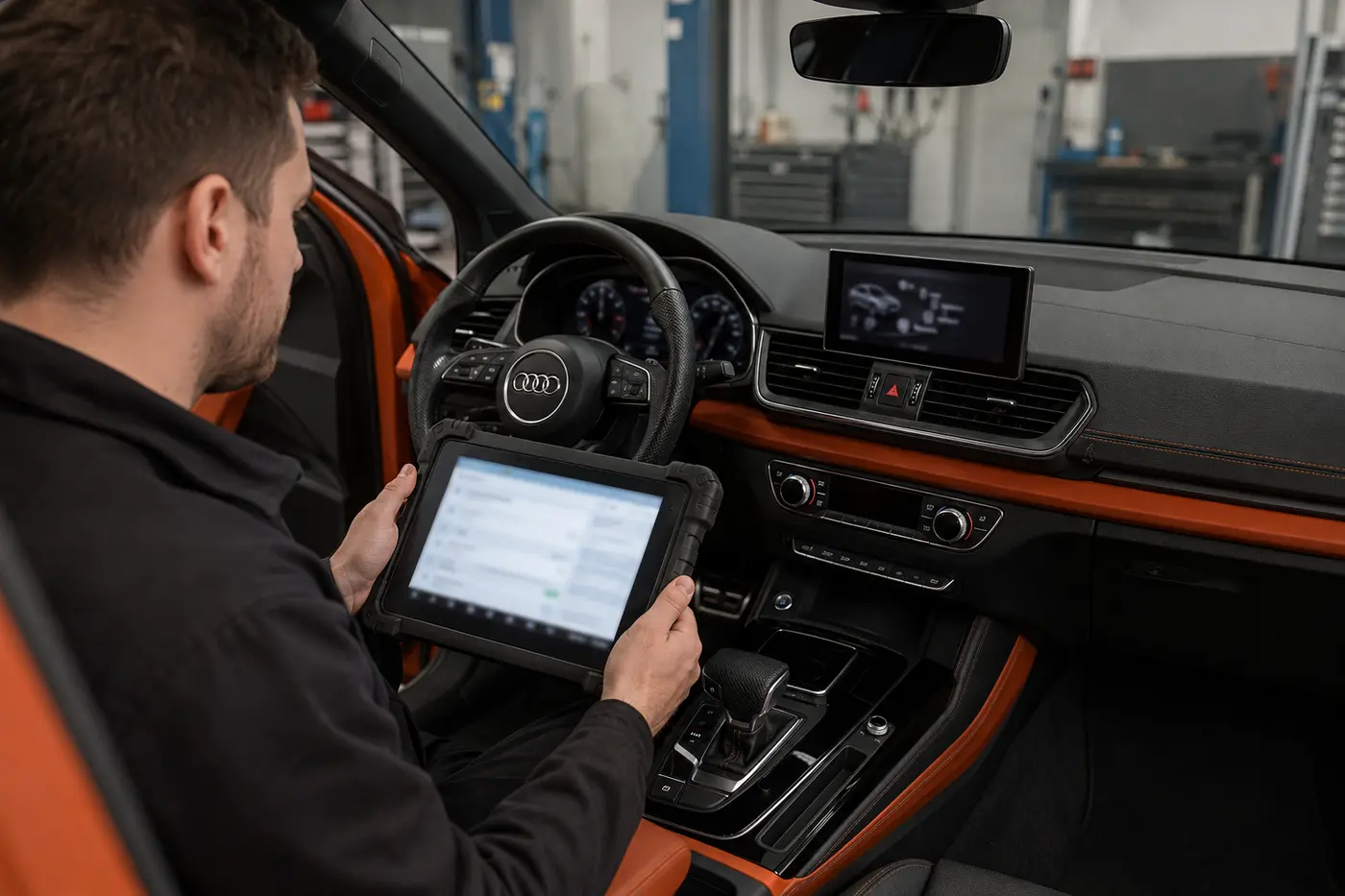
Identification, not guesswork
Audi platform families
These names help route identification. They are not a universal model-year fitment table and do not make parts interchangeable.
Earlier systems
Legacy MMI 2G, RNS-E and RMC are separate systems. RMC and RNS-E should not be treated as informal versions of MMI 3G simply because they perform related functions.
MMI 3G Basic, MMI 3G High and MMI 3G+ also need to be distinguished. Similar menus or trim do not prove shared hardware.
MIB systems
MIB1, relevant MIB2 variants, MIB2+ and MIB3 cover different architectures and equipment levels. Terms such as Standard, High or High Scale are used only when the exact system identifies them.
Software train and market matter. A North American firmware or map assumption should not be copied onto a UAE or imported vehicle.
Newer architectures
Newer domain-computer, E3 or PPC-based infotainment is identified separately from older MIB hardware. A curved OLED installation cannot be sold an LCD backlight repair because OLED is self-emissive.
Part matching uses the actual vehicle, connected equipment and current repair information.
A symptom can start upstream
Follow the signal path
Not every Audi uses every network or component shown here. The map explains why replacing the visible screen before testing the upstream source can waste money.
Power and earth
Battery condition, regulated feeds, correct fuses, earths and wake-up behaviour support the system.
Head unit
The information-electronics or navigation source creates content and communicates with other modules.
Network and cable
Vehicle communication and the display-signal path carry data. MOST is relevant only where fitted and does not power a module.
Display and controls
Panel, illumination, touch, mechanism and controller turn the signal into what the owner sees and operates.
Connected navigation, amplifier, camera and parking functions can fail upstream or downstream of the centre display. The diagnostic route follows the architecture installed in the exact car.
Model-led enquiries
A3, A4 and A5 systems
The supplied search signal is strongest around these models, but each badge spans different generations and equipment. These sections show the first decision, not a parts promise.
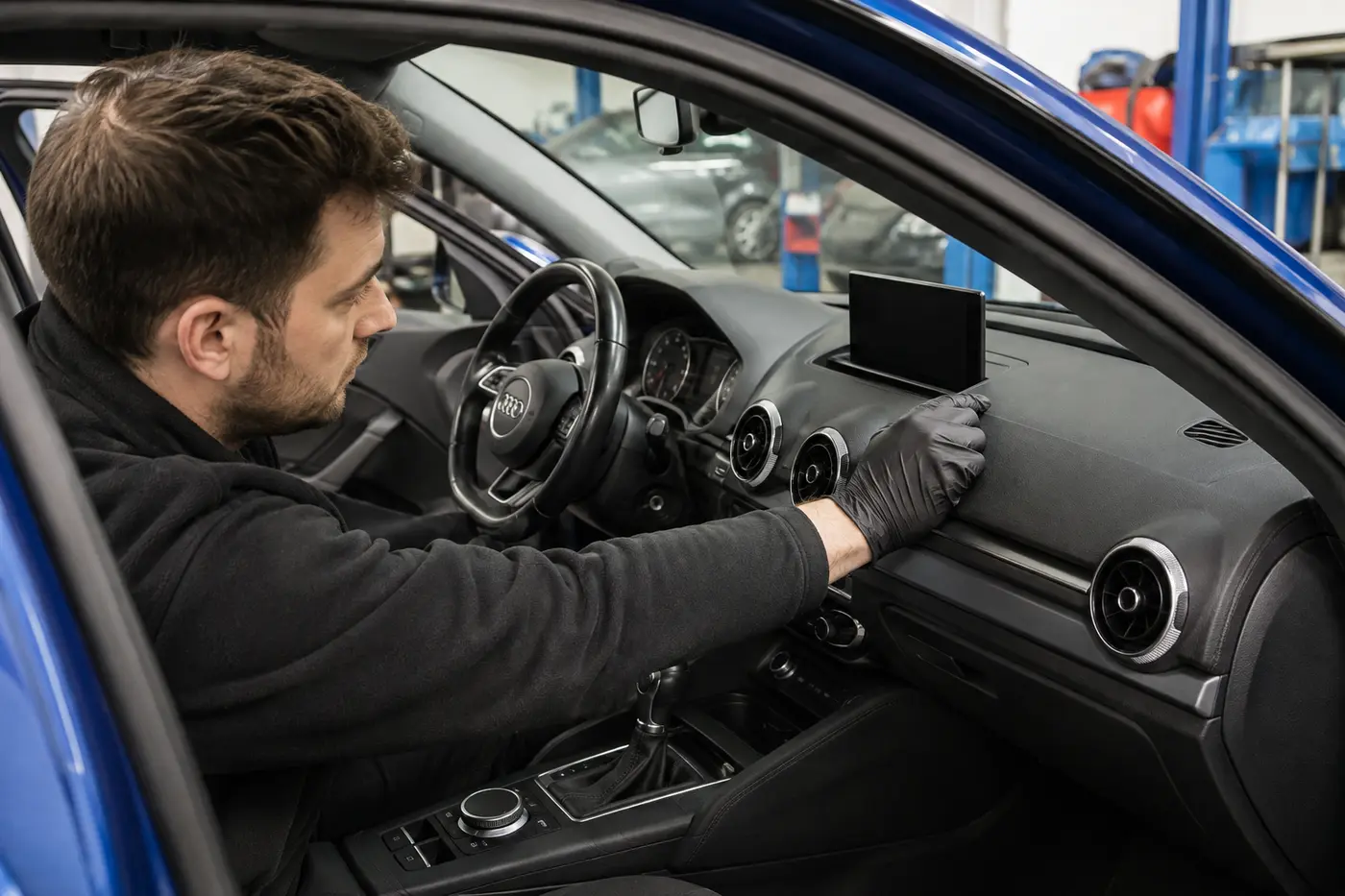
Audi A3 screen diagnosis
Earlier A3 applications may have an integrated radio or navigation display. Later cars can use a separate retractable display or a newer integrated touch system. An A3 8P, 8V or 8Y label is useful context, but it is not a universal screen type, year cut-off or part number.
If a retractable screen stays closed, rises only partly, becomes noisy or moves with no picture, the mechanism, ribbon or display cable, power and source signal are tested separately. If it works cold and fails after cabin heat builds, the symptom needs temperature-dependent testing. A black display with audio, a visible image with a dead controller and a rebooting source unit are three different estimates.
Sportback, saloon, cabriolet, S3 and RS3 names do not prove the installed system. Send the year, last six VIN characters if comfortable, one screen photo and a short start-up video.
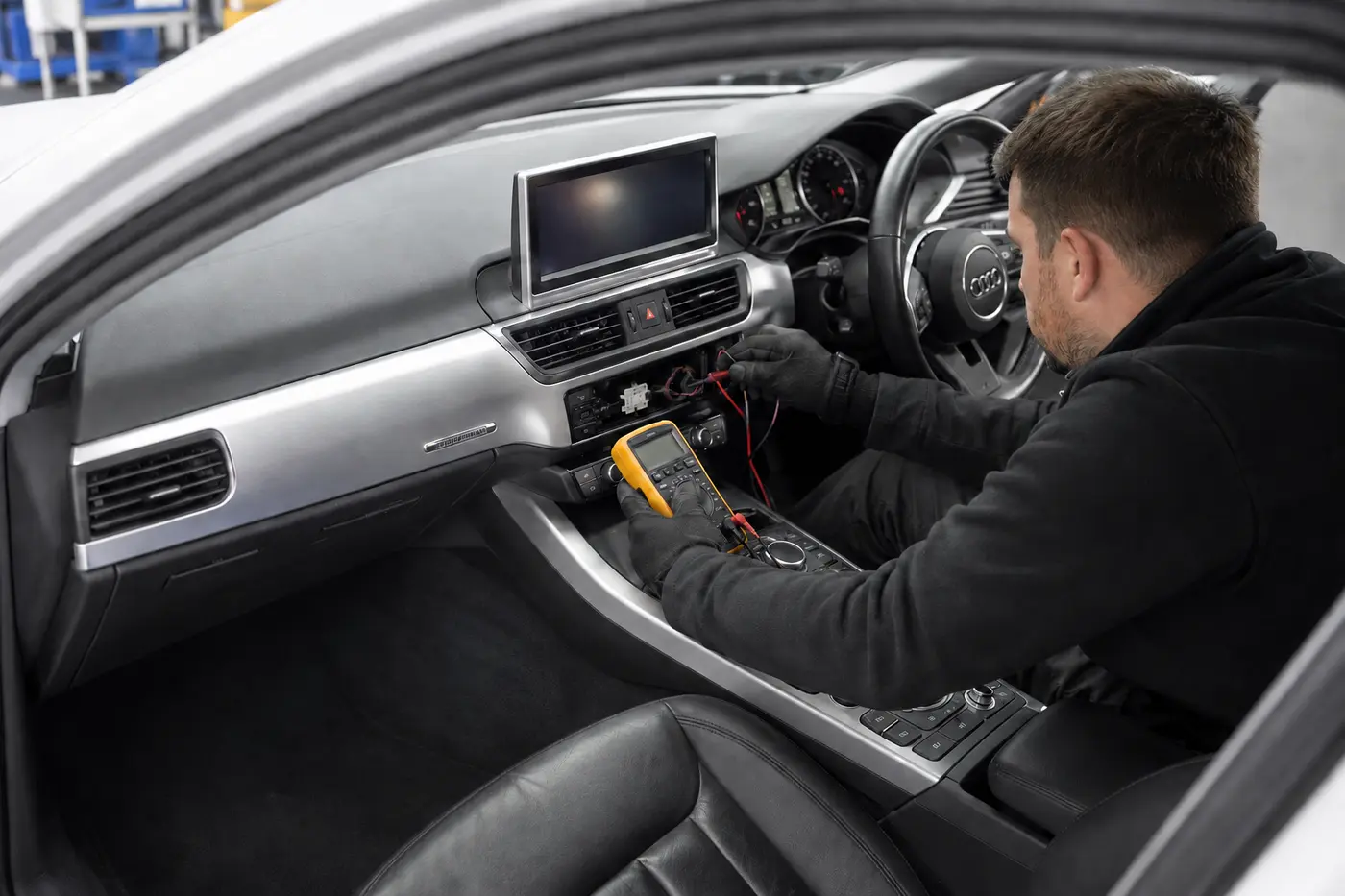
Audi A4 screen diagnosis
A4 B8 and B8.5 cars can have different display, controller and source-unit combinations across equipment and markets. A separate dashboard display may fail while sound or some control functions continue, but its signal cable and source unit still need testing before the panel is condemned.
A non-working rotary controller, button group or centre-console panel is not automatically an Audi A4 screen repair. Later A4 B9 systems introduce different screen and control arrangements by production phase and specification. When navigation fails but the image is clear and menus respond, the first route is GPS, data, licence and source-unit checks.
An Audi A4 MMI black screen that began after low voltage or battery work needs supply, stored-fault and configuration checks. Those checks prevent an unnecessary navigation-screen replacement when the actual problem is power or an upstream module.
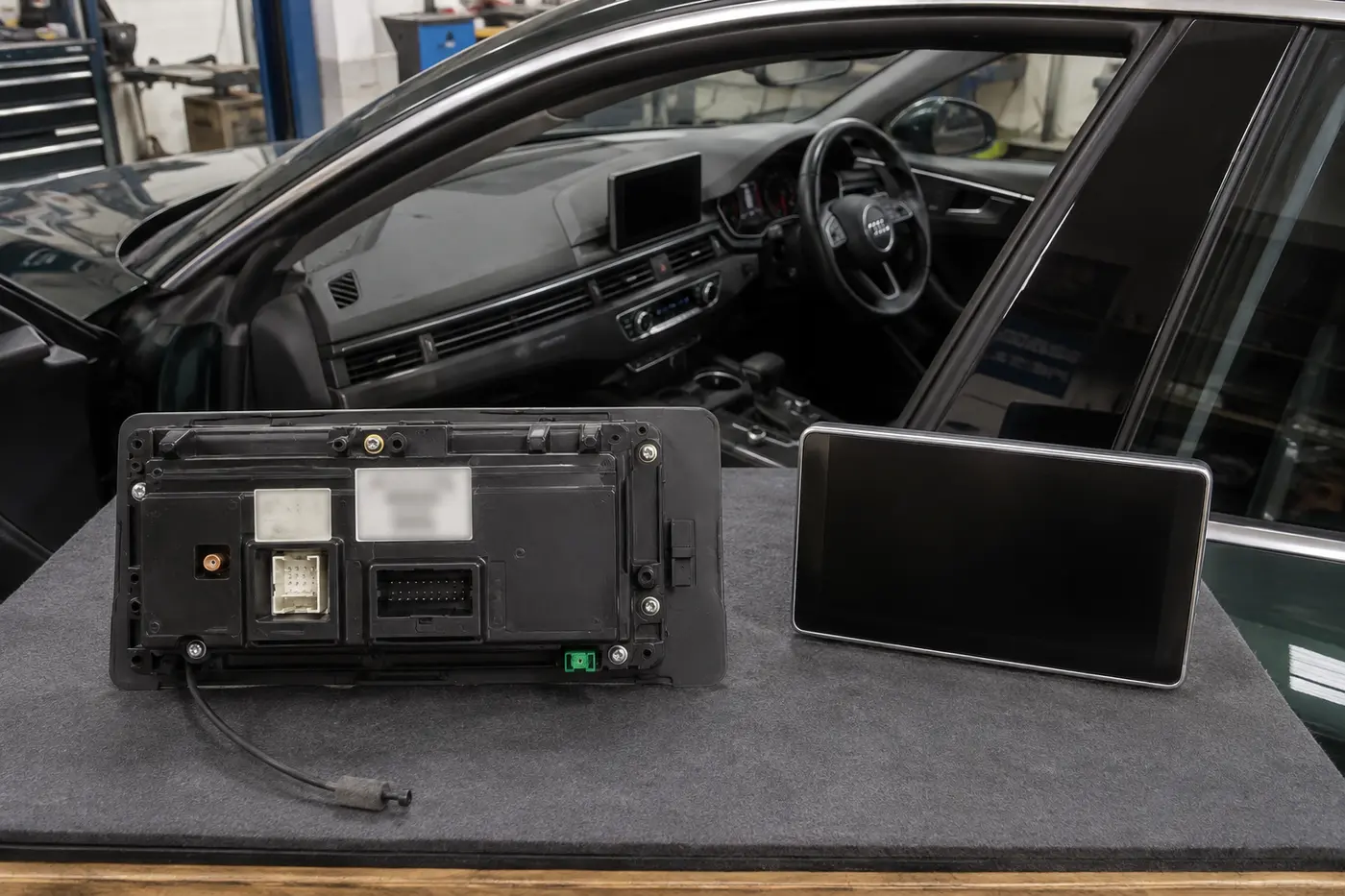
Audi A5 screen diagnosis
A5 coupe, Sportback and cabriolet applications span several generations and equipment combinations. Similar-looking A4 and A5 displays do not prove part-number, software, connector, trim or coding compatibility. Intermittent image, colour distortion, a dead controller and a frozen interface need different first tests.
A5 8T, 8F and F5 terms help identify the body generation, but do not establish the installed MMI. Cabriolet or earlier water-ingress history can justify connector and module-area inspection without implying that every cabriolet has a water problem. A missing reverse-camera image on a working Audi A5 navigation display is first a camera, interface, wiring or coding route.
Newer PPC or E3-based A5 systems are identified separately from older MIB hardware. Where a car uses a curved OLED panoramic display, an LCD-style backlight repair is not technically applicable and the cockpit display must not be treated as an older dashboard TFT.
Symptoms guide tests
What should be checked first
Temperature, duration, start-up behaviour, sound, controller response and connected functions narrow the route. One symptom never confirms one failed part.
| Customer report | Display-related route | Important lookalikes | First useful checks |
|---|---|---|---|
| Completely black | Panel, illumination or local supply | Head unit, power, network or cable | Sound, controls, backlight, power, image signal and communication |
| Backlight but no image | Panel or signal input | Source unit or display cable | Known signal state, connector and source communication |
| Intermittent cut-out | Panel, internal connection or cable | Voltage, heat, network or module | Temperature, vibration, voltage and live communication |
| Flicker, lines or colour shift | Panel or image path | Source output or connector | Pattern, heat response and signal-path isolation |
| Cracked outer surface | Cover, touch layer or complete assembly | Damage beneath the outer layer | Construction, touch accuracy and optical condition |
| Touch dead or ghosting | Touch layer or digitiser | Software, controller or contamination | Touch map, alternative controls and physical damage |
| Frozen start-up logo | Display can show an image | Head unit, software, storage or voltage | Communication, boot state, supply and applicable recovery route |
| Repeated reboot | Screen replacement is premature | Voltage, heat, storage, software or source module | Power quality, logs, temperature and system identity |
| Fails after cabin heat | Panel or connection possible | Head unit or power component | Controlled heat-related reproduction and voltage |
| Retractable screen stuck | Motor, gear, guide or position | Obstruction, control or supply | Noise, movement request, mechanism and cable |
| Moves but no picture | Panel, ribbon or display cable | Source unit | Image path and communication with movement confirmed |
| Knob or buttons dead | Controller route | Head unit, power, wiring or software | Individual inputs, local supply and response data |
| Wrong position or no satellites | Screen is usually not the cause | GPS antenna, data, licence or source | Satellite reception, antenna path and lawful data status |
| Reverse image missing | Display is not assumed failed | Camera, interface, wiring or coding | Other menus, camera communication and source switching |
| Audio absent, display works | Display is operational | Amplifier, source, fibre or audio path | Sources, volume, module power and network topology |
| No audio and no display | Wider diagnosis required | Power, head unit, gateway or network | Vehicle voltage, supplies and communication record |
| Black after battery work | Do not replace the screen first | Low voltage, fuse, configuration or stored fault | Battery, charging, supplies and fault memory |
| Water-ingress history | Connector or panel damage possible | Harness and several modules | Source of water, corrosion, power and network inspection |
| Electrical smell or fuse failure | Stop using the system | Harness, module or previous retrofit | Isolate safely and inspect before replacing a fuse |
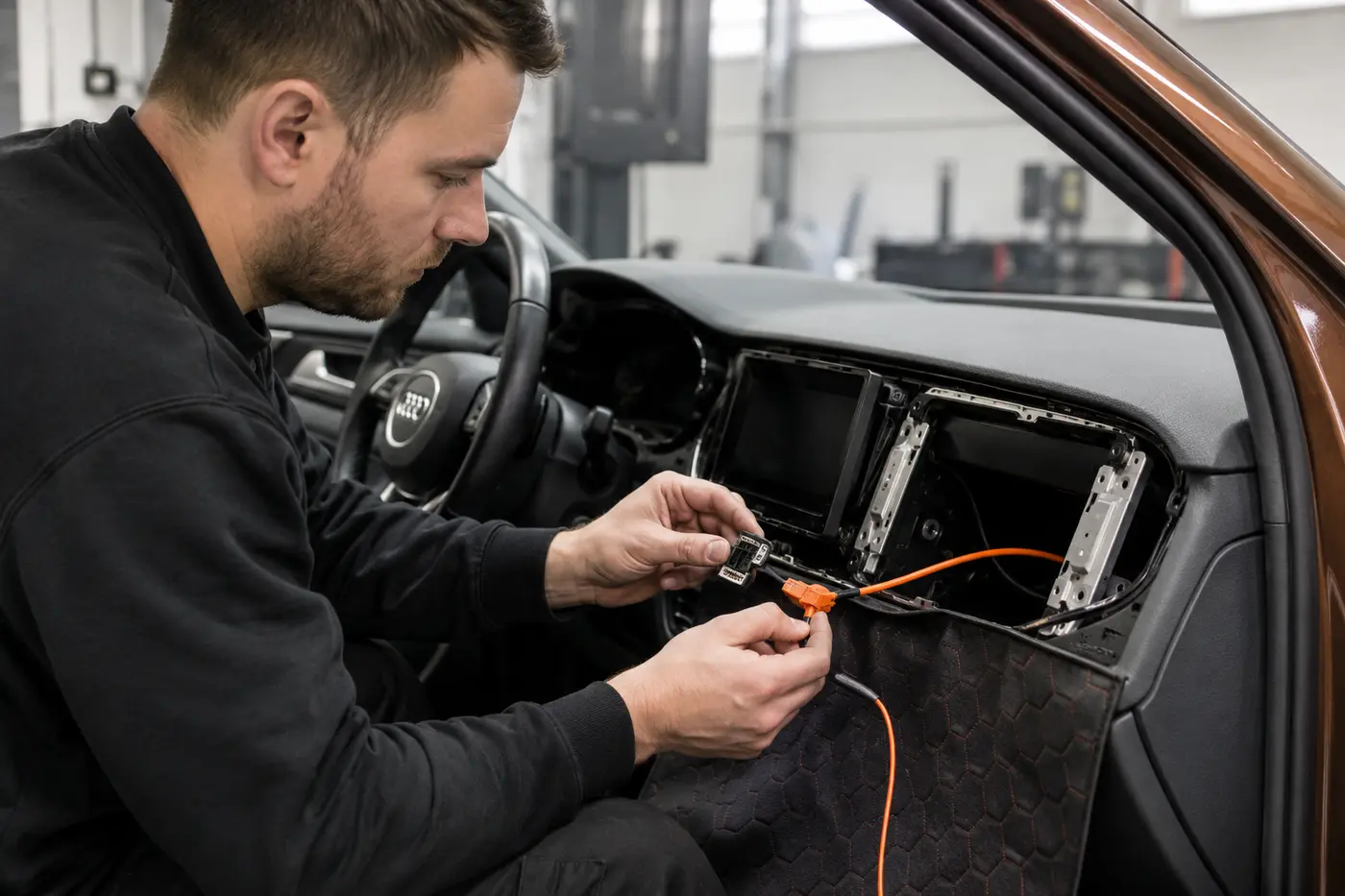
Diagnosis before replacement
Build the evidence
- Record the exact symptom
Capture start-up state, duration, temperature and which functions remain available.
- Identify the hardware
Confirm vehicle, system family, part data, software information and previous modifications.
- Retain the original record
Photograph relevant messages and store fault information before anything is cleared.
- Check the supply
Test battery, charging, fuses, power and earth when the symptom makes them relevant.
- Test the visible display
Separate power, illumination, image signal, touch response and communication.
- Test the controls
Check rotary input, buttons, touchpad and steering controls apart from the panel.
- Follow the signal route
Inspect accessible cable and connector paths and the fitted network architecture.
- Scan relevant modules
Use the exact vehicle to decide which information, radio, navigation, gateway, camera and amplifier modules matter.
- Reproduce intermittent faults
Controlled heat and vibration context can be more useful than a cold workshop snapshot.
- Approve a bounded repair
State parts, labour, software route, compatibility risk and what testing can still change.
Different fault, different job
Repair options
A replacement screen should not be used as the diagnostic method when basic power, signal and system checks can isolate a smaller or upstream fault.
Original display repair
An LCD may have a separate backlight, internal connection, power board, image panel or touch layer. OLED has no LCD-style backlight. Board repair, microsoldering, panel bonding or delamination work is not described as in-house because current capability has not been verified. The need is identified and any compatible specialist step is separately quoted before approval.
Replacement display
Physical fit, size, resolution, connector, bracket, touch function and software support must match. A display-only change may have different coding needs from a head-unit change, but plug-and-play operation is never promised from the connector alone.
Retractable mechanism
Motor, gear, guide, hinge, ribbon, position feedback and the complete assembly are separate possibilities. A noisy or stuck screen does not automatically need a full unit. A damaged cable or guide should not be reused just because the panel still shows an image.
Controller and touchpad
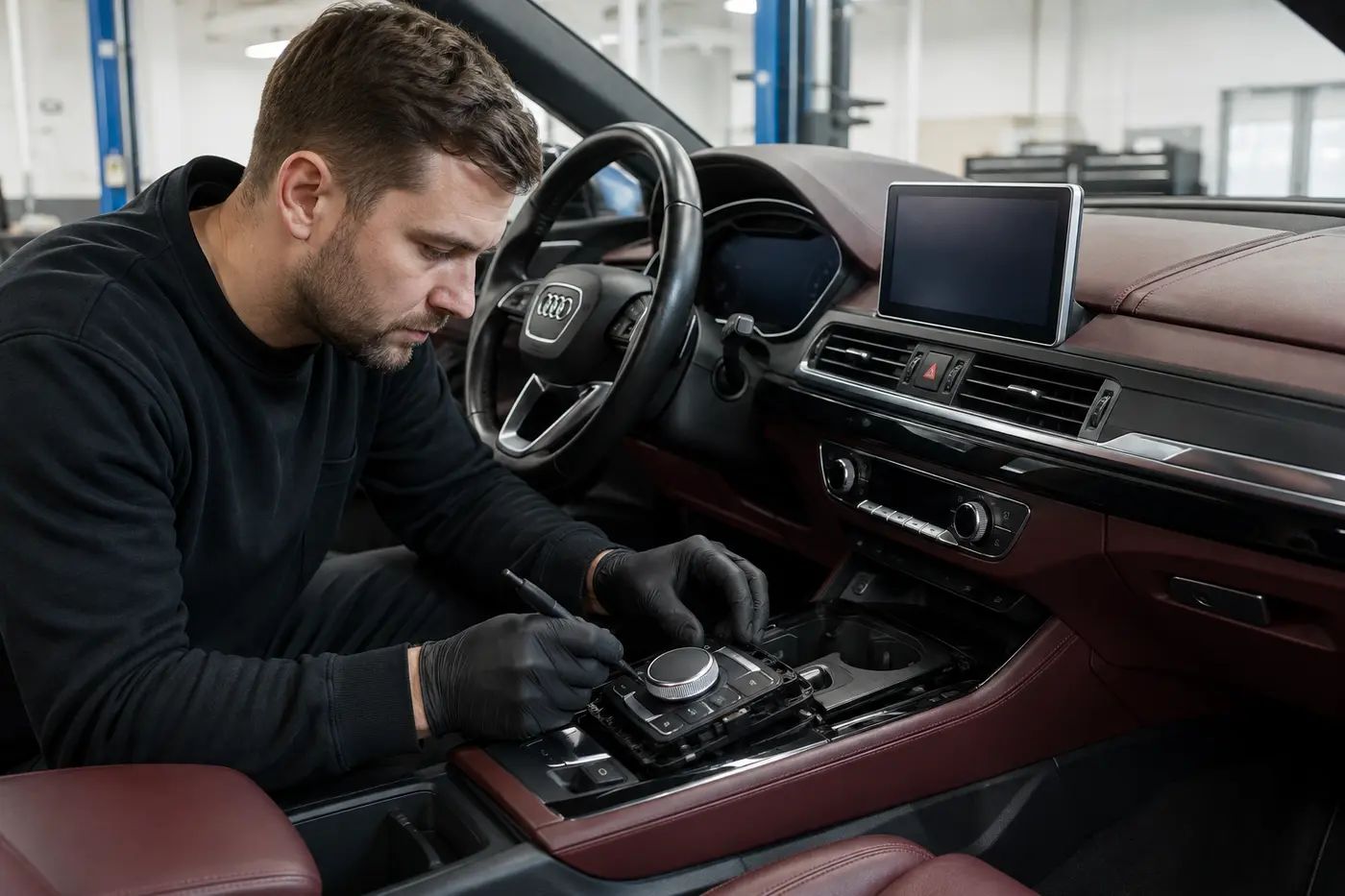
Rotary input, individual buttons, touch surface, spills, controller electronics and wiring can fail independently. A visible screen that ignores console commands does not prove the screen itself is faulty.
Cable and network
The exact car determines whether a display-signal cable, MOST fibre, CAN, LIN, Ethernet or another route is relevant. MOST carries multimedia data, not module power. A failed or unpowered participant can interrupt connected functions, so only the confirmed segment should be repaired.
Head unit and navigation
The head unit may control several functions beyond the picture. Navigation-only loss with healthy menus is checked through GPS reception, antenna, lawful data, licences and the source unit. Broader module or network repairs belong with Audi Electrical Repair when they exceed this screen-led service.
Inputs are not the panel
Controller and connected functions
A controller can be tested while the display remains visible. A reverse camera can fail while every MMI menu works. Audio can disappear because of an amplifier, source or network problem while the screen remains healthy. These are connected-system faults, not evidence for a replacement display.
A working factory screen that lacks Apple CarPlay is an installation, activation or retrofit enquiry. A black or damaged screen remains an MMI diagnostic enquiry even if the owner normally uses CarPlay. A retrofit interface can also create power, video-switching, audio-routing or control symptoms, so earlier work must be declared.
Owners seeking a CarPlay upgrade or retrofit can use Contact to confirm the current scope; unresolved multi-system warnings can start with Audi Diagnostics.
Capability stated precisely
Software and component protection
A reset, update, coding operation, parameterisation and component-protection adaptation are different jobs. None should be sold as a cure for untested hardware.
A reboot restarts the system but does not repair a failing component. An approved software update changes applicable software where lawful access exists. Coding configures supported options and relationships. Parameterisation or basic settings may be required by a specific replacement procedure. Map data and navigation licences remain separate from the display panel.
Component protection is a vehicle security and compatibility control, not an error to bypass. Current in-house online coding, factory-server access, firmware recovery and component-protection adaptation have not been verified for every Audi system. If testing shows one is required, the estimate states whether it is available for that exact car or separately coordinated through a lawful compatible route. We do not advertise cracked firmware, licence bypass, stolen-unit adaptation or security circumvention.
A diagnostic scan records communication and faults. It does not prove that a unit is repairable or that online functions are available.
Part condition matters
Choose the unit honestly
Every route is compared on compatibility, evidence, software implications and warranty, not only purchase price.
Repair the original
- Strength
- Retains the car’s existing configuration and trim when the confirmed fault is repairable.
- Ask for
- Tested failure, repair scope, retained parts, excluded functions and written warranty.
- Poor value when
- The panel or board is not sound, parts are untraceable or the service is only a temporary reset.
Tested used display
- Strength
- Can reduce cost when part number, revision, pixels, heat performance, mechanism and return terms are verified.
- Ask for
- Donor condition, cosmetic marks, test record and warranty.
- Poor value when
- The history is unclear or compatibility is inferred from the connector.
Used head unit
- Strength
- May be considered after a confirmed source-unit failure.
- Ask for
- Hardware, market, software, licences, lawful provenance, coding and component-protection route.
- Poor value when
- It is described as plug and play or return risk is hidden.
Professionally refurbished
- Strength
- Can balance cost and retained original architecture when repair and testing are documented.
- Ask for
- What was repaired, replaced and tested, plus return terms and warranty.
- Poor value when
- A cleaned used unit is called refurbished without evidence.
Quality new replacement
- Strength
- May reduce cost when resolution, colour, brightness, touch, connector and environmental suitability are verified.
- Ask for
- Traceable manufacturer, exact specification, fit and written warranty.
- Poor value when
- An unknown white-label panel is treated as equivalent without testing.
Genuine Audi
- Strength
- A new Audi-branded part selected through exact vehicle data and current supersession.
- Ask for
- Part number, coding, component protection and connected-system work.
- Poor value when
- A smaller confirmed repair exists or installation requirements are omitted.
Tentative installed AED ranges
What changes Audi MMI repair cost
These provisional Dubai ranges were market-checked in September 2026 and include 5 percent UAE VAT. They are decision bands, not a model-only quote. Final cost depends on the exact MMI or MIB system, compatible part availability, access condition and any separately coordinated software or component-protection route confirmed for the vehicle.
| Service route | Tentative price | Main inclusion | What can change it |
|---|---|---|---|
| Initial symptom assessment and scan | AED 250 to 650 | Function record and relevant scan. | No removal; system scope varies. |
| Extended electrical or network diagnosis | AED 450 to 1,200 | Power, communication and source-path tests. | Architecture and access. |
| Heat-related fault reproduction | AED 300 to 850 additional | Controlled extended testing. | Time and reproducibility. |
| Minor power, earth or terminal correction | AED 250 to 900 | Accessible confirmed fault. | Harness and module damage excluded. |
| Local infotainment harness repair | AED 450 to 1,800 | Confirmed local wires. | Access and earlier work. |
| Display-signal cable replacement | AED 550 to 1,600 | Compatible cable and fitting. | Routing and trim. |
| MOST ring diagnosis where fitted | AED 400 to 1,200 | Communication-path test. | Only applicable architectures. |
| Local fibre segment repair | AED 600 to 1,800 | Confirmed accessible segment. | Modules excluded. |
| LCD backlight or internal repair route | AED 700 to 1,800 | Verified LCD repair route. | OLED excluded; capability may be external. |
| Panel, touch or digitiser route | AED 900 to 2,500 | Repair or panel change. | Construction and parts. |
| Fixed tested used display fitted | AED 900 to 2,500 | Exact tested part. | Revision, trim and warranty. |
| Fixed quality new display fitted | AED 1,200 to 3,200 | Compatible display and fitting. | Resolution, touch and supply. |
| Fixed refurbished original display | AED 1,500 to 3,800 | Documented refurbishment. | Test scope and warranty. |
| Fixed Genuine Audi display fitted | AED 2,800 to 7,500 or more | Exact new part. | Production split and supply. |
| Retractable mechanism repair | AED 700 to 1,800 | Panel and source remain sound. | Gear, guide and parts. |
| Retractable ribbon or cable route | AED 650 to 1,800 | Confirmed cable fault. | Availability and mechanism. |
| Tested used retractable display | AED 1,400 to 3,500 | Tested panel and mechanism. | Part number and condition. |
| Quality replacement retractable assembly | AED 2,000 to 4,500 | Compatible assembly fitted. | Construction and trim. |
| Genuine Audi retractable assembly | AED 3,500 to 8,000 or more | Exact new part. | Supply and supersession. |
| MMI controller repair | AED 450 to 1,300 | Repairable original controls. | Spills or board damage. |
| Replacement controller or touchpad | AED 900 to 3,500 | Compatible assembly. | Configuration and fitting. |
| Software recovery or approved update | AED 600 to 1,800 | Lawful applicable route. | Access may be external. |
| Coding or parameterisation | AED 500 to 1,500 | Compatible replacement procedure. | Online access requirements. |
| Externally coordinated protected work | Separately quoted | Lawful provider route. | Provider, unit and access. |
| Original head-unit repair route | AED 1,600 to 4,500 | Confirmed repair scope. | Specialist step may be external. |
| Tested used compatible head unit | AED 2,500 to 6,500 | Unit and fitting. | Licences and protection. |
| Refurbished compatible head unit | AED 3,500 to 8,000 | Documented repair and test. | Software and warranty. |
| Genuine Audi head unit | AED 7,000 to 18,000 or more | Exact new unit. | Licences, coding and supply. |
| Navigation or GPS diagnosis | AED 300 to 900 | Main MMI remains operational. | Antenna, data and source. |
| GPS antenna or local cable | AED 500 to 1,600 | Confirmed compatible part. | Routing and trim. |
| Reverse-camera display-path diagnosis | AED 300 to 900 | Camera repair excluded. | Interface and wiring. |
| Water-ingress infotainment diagnosis | AED 500 to 1,800 | Source and electronic assessment. | Drying, harness and modules extra. |
| Recovery within Dubai | AED 250 to 800 | When driving is unsuitable. | Location and condition. |
Each final estimate must identify the vehicle, system, part number and condition, labour, trim, scan, software, coding, component-protection route, exclusions, VAT and written warranty boundaries. A low price without these assumptions is not comparable.
Hypothetical, not customer jobs
Worked service examples
These examples use the provisional VAT-inclusive ledger to show how diagnosis changes the repair. Exact totals wait for system identification and current supply.
A3 screen moves but loses image
Assumed route The retractable mechanism completes its movement and audio continues. Initial scan and signal-path testing are AED 550. A confirmed display-signal cable replacement is AED 950, giving a tentative total of AED 1,500 including VAT.
A display assembly is not approved unless cable and source tests fail to isolate the fault. Part route, hidden trim damage or a panel fault could move the total.
A4 sound works but display is dark
Assumed route Controls and audio respond, testing at AED 500 isolates the fixed display, and a compatible quality new screen with normal fitting is AED 2,100. Tentative total is AED 2,600 including VAT.
Resolution, connector, production split and whether the failure is backlight or panel must be confirmed before the part is ordered.
A5 reboots after cabin heat
Assumed route Initial system diagnosis is AED 600 and controlled heat-related reproduction is AED 650 additional. The first approved total is AED 1,250 including VAT, with no head unit yet sold.
If voltage, software or the source module is confirmed later, that route is quoted separately. A symptom-only head-unit price would hide the most important uncertainty.
Tested used head unit considered
Assumed route Extended diagnosis at AED 900 confirms a source-unit failure. A tested compatible used head unit and fitting is budgeted at AED 4,200. Component-protection route planning is AED 550. Tentative subtotal is AED 5,650 including VAT, before separately quoted lawful adaptation if required.
Hardware, market, software, licences, donor provenance, return terms and external adaptation must be approved. A matching plug is not compatibility.
Navigation fault with healthy display
Assumed route Menus, sound and controls work. Navigation and GPS diagnosis is AED 550 and a confirmed local antenna or cable route is AED 800. Tentative total is AED 1,350 including VAT.
Map data, lawful licence availability, routing access or a source-unit fault could change the route. The healthy screen avoids an unnecessary display replacement.
Approve line by line
What the estimate should include
An MMI estimate is not complete when it lists only a screen. The scope should make compatibility and the software route visible before the customer accepts the risk.
- Model, year, production split and VIN-derived equipment
- MMI or MIB family and hardware identity
- Display, controller, cable, head unit or module quoted
- Part number, suffix and revision
- New, Genuine, replacement, refurbished or used status
- Evidence tested before replacement
- Original-unit repair and retained parts
- Display size, resolution, touch and mechanism
- Removal, fitting, trim and cosmetic condition
- Power, earth, fuse, cable and network work
- Pre-repair and post-repair scans
- Software, update and recovery status
- Coding, parameterisation or basic settings
- Component-protection and lawful external route
- Navigation data, licences and GPS items
- Camera, parking, audio and phone exclusions
- Previous retrofit and non-standard wiring
- Customer-supplied part terms
- VAT and payment assumptions
- Parts and labour warranty boundaries
- Response if the part is incompatible
- Variation if another module caused the symptom
Test the original complaint
Final testing and handover
A clear scan or one cold start does not prove future reliability. Closing tests match the fault, the repair and the conditions that originally triggered it.
Display and controls
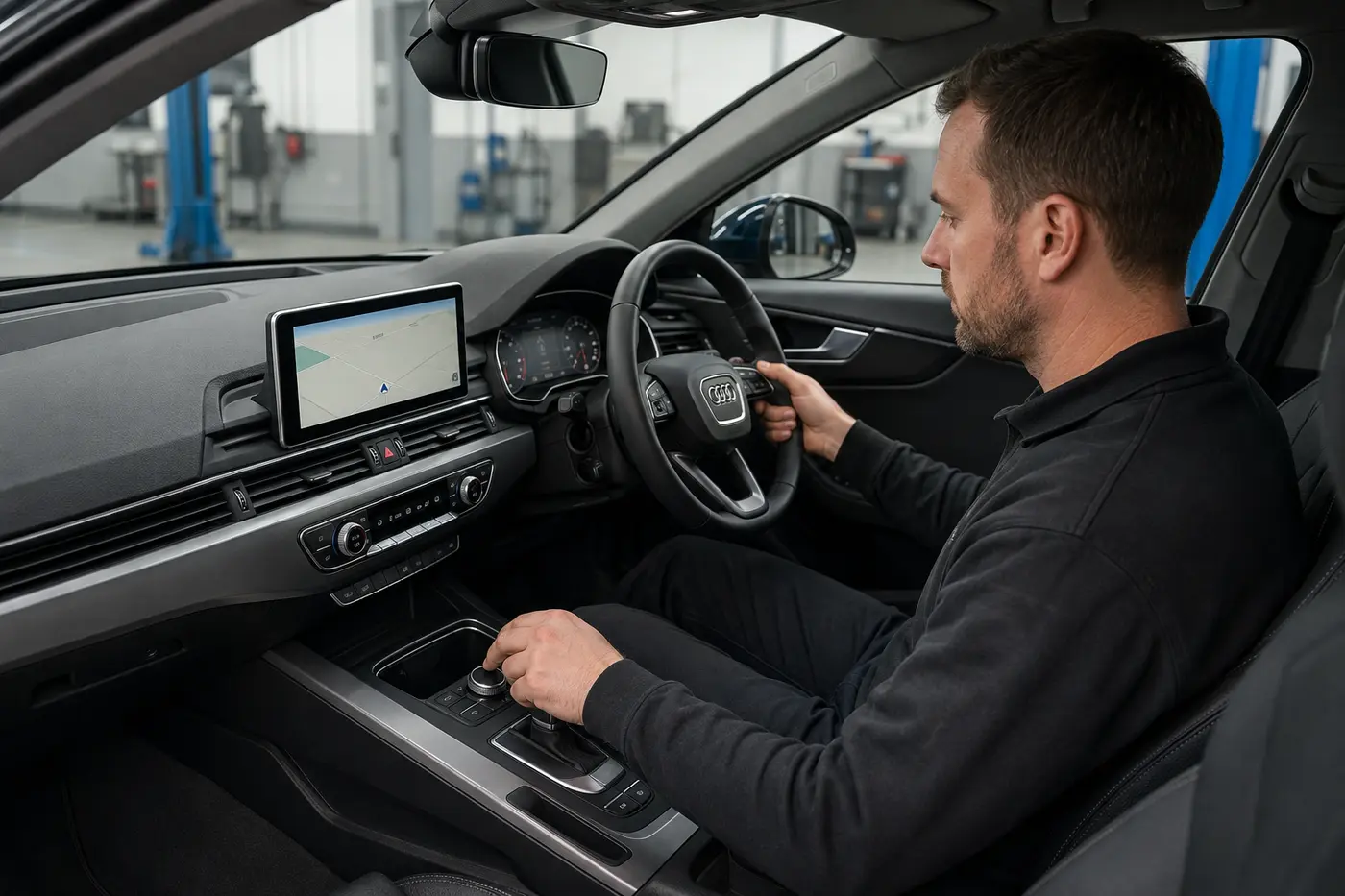
Record the correct part. Check start-up, image, colour, brightness, day or night behaviour, touch accuracy, repeated retractable movement, rotary controls, buttons, touchpad and steering inputs as fitted.
Connected functions
Check radio, media, Bluetooth, telephone, navigation position, reverse camera, parking display, audio and relevant connected-module communication when originally fitted and available.
Records and trim
Document approved coding, parameterisation or external protected work. Complete the post-repair scan where required, retest heat-related symptoms safely, secure trim and provide part status, exclusions and warranty record without retaining customer data.
Short answers before approval
MMI repair questions
How much does Audi MMI screen repair cost in Dubai?
Initial assessment is tentatively AED 250 to 650 including VAT. A quality fixed replacement display may be AED 1,200 to 3,200 fitted, while a Genuine Audi display can be AED 2,800 to 7,500 or more. System, part status, coding and the confirmed fault decide the quote.
Does a black MMI screen always need replacement?
No. Power, earth, fuse, display cable, source unit, software or network faults can also create a black screen. Test what still works before approving a panel.
Why is there sound but no picture?
This can support a display, illumination or video-path check, but it does not prove the head unit is healthy. Power, image signal and source communication still need testing.
Why does the screen fail when hot?
Temperature can expose a panel, connector, power component or head-unit fault. Reproduce the symptom under controlled conditions rather than judging it from one cold start.
Can lines, flicker or dark patches be repaired?
Sometimes, depending on panel construction and the failed layer. The result may require original-unit repair, a compatible panel or a complete display. Current specialist capability and parts are confirmed before approval.
Why does the MMI reboot or freeze?
Voltage, heat, software, storage, source-unit hardware or connected communication can be involved. A replacement screen does not correct an upstream boot-loop fault.
What is the difference between the screen and head unit?
The screen presents the image and may contain touch hardware. The head unit or information-electronics source can manage content and several connected functions. Either can fail without being interchangeable.
Can a retractable screen mechanism be repaired separately?
Potentially. Motor, gear, guide, hinge, ribbon and position concerns are separated from the image panel and head unit. Parts availability and verified capability decide whether repair or assembly replacement is sensible.
Does a replacement display require coding?
Requirements depend on the exact display and system. A display-only change may differ from a head-unit replacement. The estimate states coding, basic settings or component-protection status instead of promising plug-and-play operation.
Can I fit a used Audi screen?
A tested used display can be considered when part number, revision, pixels, heat performance, connectors and mechanism match. Condition, return terms and warranty must be written.
Is a used MMI head unit plug and play?
No. Hardware, market, software, licences, coding, paired modules, component protection and lawful donor provenance can affect suitability.
What is component protection?
It is a vehicle security and compatibility control. It should be handled through a lawful authorised route, not bypassed with cracked or unverified software.
Can a software update fix the screen?
Only when diagnosis identifies an applicable software problem and lawful update. An update cannot repair cracked glass, failed illumination, a damaged panel or an electrical hardware fault.
Why can navigation fail when the screen works?
GPS reception, antenna, map data, licence or the source unit can fail while the display remains clear. That is a navigation route, not automatically a screen replacement.
Is a CarPlay problem the same as an MMI screen fault?
No. CarPlay can fail while the factory screen, sound and controls remain healthy. Retrofit interfaces can also affect power, video switching or audio routing, so disclose any previous installation.
What details are needed for an accurate estimate?
Send model, year, optional last six VIN characters, a screen photo, a start-up video, what still works, when the problem occurs and recent battery, software, repair, water or retrofit history.
Start with the right evidence
Send the symptom once
Use the same builder to create a complete brief. We can then route the Audi toward display testing, a controller, signal path, source unit, navigation-only check or wider electrical diagnosis before parts are approved.
Browse the wider Audi Repair Services only when the concern is not led by the centre display or infotainment system.